
Ordered a Geek Bar? What Processing, Shipped & Delivered Really Mean
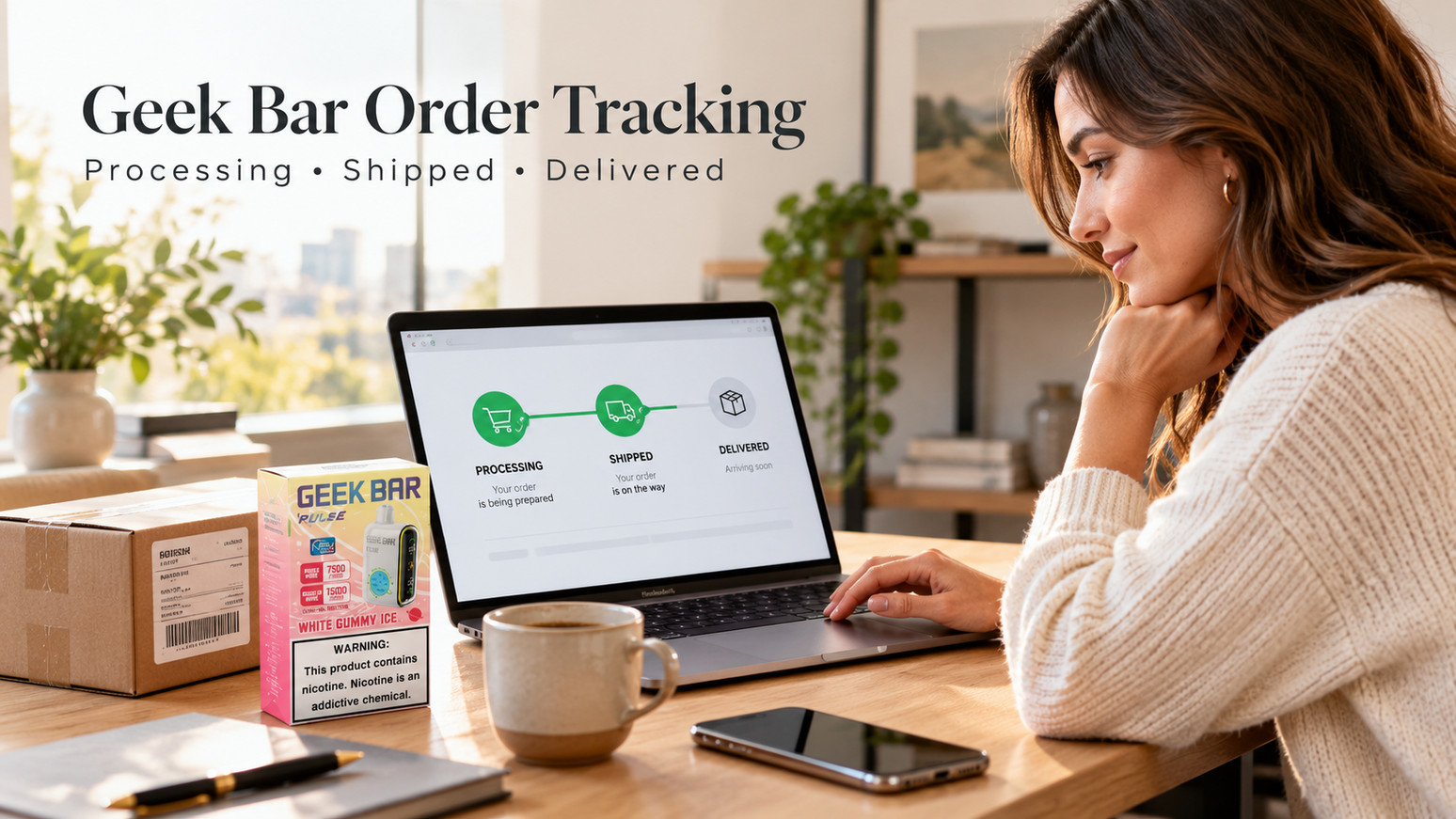
WARNING: This product contains nicotine. Nicotine is an addictive chemical. For adults 21+ only.
Written by Shop N Vape Editorial Team | Published October 13, 2026 | Approximately 7-minute read
You ordered a Geek Bar online, received a confirmation email, and now you're watching the tracking information.
But there's a problem: the status still says Processing.
Or perhaps it says Shipped, yet the carrier hasn't shown any movement. Maybe the tracking page even says Delivered, but the package isn't where you expected it to be.
These familiar messages can be confusing because an online store and a delivery company don't always update their systems at the same moment.
The important thing to understand about Geek Bar order tracking is that the product's brand doesn't determine the shipping status. Those messages describe the different stages of an online order.
Here's how to understand them, what happens between updates, and when it's worth contacting customer support.
Quick Answer: Processing generally means a store is preparing or reviewing an order. Shipped means the order has entered the shipping process, although the carrier may not have scanned the package yet. Out for Delivery means the carrier expects to attempt delivery, while Delivered means the carrier has recorded a completed delivery event. Exact status definitions and update times vary by retailer and carrier.
Why an Online Order Has So Many Status Updates
An online order travels through several systems before reaching its destination.
First, there's the retailer's website.
Then there's the store's order-management and fulfillment process.
Finally, there's the carrier responsible for transportation and delivery.
Each system has its own information to report.
The store might know that your order has been packed before the carrier has scanned the parcel. The carrier might record a new location before that update appears in the retailer's tracking email or account page.
That's why the status sometimes seems to stand still.
It doesn't always mean the package itself has stopped moving.
What Does Processing Mean for a Geek Bar Order?
Processing is usually one of the earliest stages after checkout.
It generally means the retailer has received the order and is completing the steps needed before shipment.
Depending on the store and the order, those steps can include checking payment information, reviewing product availability, completing required age-verification procedures, confirming a permitted delivery destination, and preparing the package.
For age-restricted nicotine products, some of these checks are especially important.
Processing does not automatically mean there's a problem.
It also doesn't necessarily mean that a shipping label has been created.
Shop N Vape's published shipping and customer FAQs say that most orders ship within 24–48 business hours. That's a general store estimate; individual orders may take longer depending on verification, business days, restrictions, and other circumstances.
If the processing period extends substantially beyond the information provided by the retailer, contacting support is more useful than repeatedly refreshing the same page.
What Does Awaiting Fulfillment Mean?
Some online stores display a status called Awaiting Fulfillment.
Others use wording such as Preparing Your Order or Awaiting Shipment.
These labels can represent slightly different internal steps, but they generally indicate that the order has not yet completed the retailer's shipping process.
For example, the payment might be confirmed while the warehouse is still preparing the parcel.
The wording also depends on the ecommerce platform and the store's configuration.
A status used by one retailer shouldn't automatically be interpreted as having the identical meaning at another retailer.
If the website provides a definition, that explanation takes priority over a general guide.
Shipped Doesn't Always Mean the Carrier Has Scanned It
This is probably one of the most misunderstood shipping updates.
You receive a message saying Your Order Has Shipped.
Naturally, you expect to open the tracking page and see the package moving immediately.
But sometimes the only information available is:
Shipping Label Created.
That can happen when the retailer has generated a label or passed shipping details to the carrier's system before the parcel receives its first physical scan.
The important distinction is between shipping information being created and the carrier confirming physical possession.
A status of Shipped on the retailer's website does not, by itself, prove the carrier has collected the package.
This isn't unique to Geek Bar orders.
The same distinction applies to ordinary online purchases such as books, clothing, and electronic accessories.
What Does Label Created Mean?
Label Created usually means that shipping information has been entered into the carrier's system.
The carrier now has details associated with a tracking number, but may not have a physical scan confirming receipt of the parcel.
Depending on the carrier, you might see wording such as:
-
Shipping Label Created
-
Shipment Information Received
-
Pre-Shipment
-
Awaiting Item
These messages are similar in everyday meaning, although individual carriers may define them differently.
If the status remains unchanged, the next useful step is to check the retailer's published processing information and allow for the relevant business-day window.
A newly generated tracking number does not always provide a complete shipping history immediately.
What Does In Transit Mean?
Once the carrier starts recording movement, the tracking page may show In Transit.
This usually means the shipment is moving through the carrier's delivery network.
However, that doesn't necessarily mean the package is physically moving at the exact moment you check.
A parcel might be waiting at a sorting facility, traveling between distribution centers, or undergoing another routine handling step.
Some carriers provide detailed location updates.
Others display broader messages and fewer scans.
A missing location update is therefore not enough, by itself, to prove that a package is lost.
What Does Out for Delivery Mean?
Out for Delivery generally means the carrier expects to attempt delivery during its current delivery cycle.
This is different from In Transit.
The parcel has usually reached a local stage of the delivery process rather than remaining somewhere in the wider transportation network.
But the message is still an expectation, not a guarantee of arrival by a particular hour.
Traffic, route changes, service interruptions, and other delivery conditions can affect the result.
For orders containing nicotine products, any applicable adult-signature or age-verification requirements also matter.
The carrier's tracking instructions should explain what is needed for the delivery attempt.
What Does Delivered Mean?
When a carrier displays Delivered, it means the carrier has recorded a completed delivery event.
That doesn't always answer every question about where a parcel was placed or who accepted it.
For example, the delivery record may contain additional details such as a delivery location, signature information, or another form of confirmation.
If the package isn't immediately visible, review the carrier's delivery details and check the applicable delivery location.
For age-restricted shipments, delivery arrangements and signature requirements may differ from ordinary packages.
If the package cannot be located, the next step is to report the concern using the carrier's and retailer's established procedures.
A Simple Guide to Common Order Statuses
| Status | What it generally means |
|---|---|
| Order Confirmed | The retailer has recorded the order |
| Processing | The retailer is reviewing or preparing it |
| Awaiting Fulfillment | Fulfillment has not yet been completed |
| Label Created | Shipping details exist, but physical receipt may not be confirmed |
| Shipped | The retailer has marked the order as shipped |
| In Transit | The shipment is progressing through the carrier's network |
| Out for Delivery | A delivery attempt is expected |
| Delivered | The carrier recorded a delivery event |
| Delivery Exception | Something has interrupted or changed the expected delivery process |
These are general explanations. The retailer's and carrier's own definitions should be used for a specific order.
Why Your Geek Bar Tracking Number Might Not Update
One of the most common tracking questions is surprisingly simple:
Why does the page still show the same information as yesterday?
Several ordinary explanations are possible.
The carrier may not have completed its first scan. The package could be traveling between facilities where updates aren't immediately available. Electronic tracking information may also take time to reach the public tracking page.
Shop N Vape's FAQ advises allowing 24 hours for a delayed carrier update.
That guidance is useful as a starting point, but it shouldn't be interpreted as a promise that every tracking issue resolves within exactly one day.
If the tracking status remains unchanged well beyond the expected period, use the store's contact page and provide your order number.
Do Geek Bar, Lost Mary and RAZ Orders Have Different Shipping Stages?
Not simply because of the brand.
For example, an online store may list products from Geek Bar alongside other electronic-cigarette manufacturers.
The retailer's order system handles checkout, processing, and fulfillment. The shipping carrier records transportation and delivery events.
That means an order containing a Geek Bar Pulse or another listed product can pass through the same general shipping stages.
However, product availability, destination restrictions, the order contents, and fulfillment requirements can affect the timing of a specific shipment.
The product brand isn't a reliable way to predict exactly how quickly a parcel will arrive.
Why Shipping Estimates Aren't Delivery Guarantees
There's an important difference between an estimate and a confirmed delivery event.
A retailer might provide an expected processing window.
A carrier might provide an estimated delivery date.
Neither one necessarily represents a guaranteed result.
Business days, holidays, weather, delivery routes, and other conditions can change the timeline.
Shop N Vape's Shipping & Returns policy explains that shipping and delivery estimates are based on factors such as item availability and the selected shipping method.
When reading a delivery estimate, check whether it refers to the time before dispatch, the transportation period, or the complete order timeline.
Those are three different things.
Why Address and Age Verification Can Affect an Order
Orders containing nicotine products differ from many ordinary ecommerce purchases because they are age-restricted and subject to additional shipping rules.
Retailers must consider the legal requirements that apply to the transaction and destination.
Depending on the circumstances, an order may require verification before fulfillment, and delivery may involve adult identification or signature procedures.
These processes are separate from the manufacturer of the product.
If an order is paused for verification, completing the retailer's legitimate instructions is more useful than treating the order as lost.
For background on Shop N Vape's order policies and customer information, the store maintains an About Us page.
What Information Helps Customer Support?
When an order takes longer than expected, a clear support message can save unnecessary back-and-forth.
The most useful information usually includes your order number, the date the order was placed, the latest status displayed, and the date of the most recent carrier update.
You can also explain the specific question: whether the order is still being processed, whether a carrier has accepted the package, or whether a recorded delivery cannot be located.
There's usually no need to send sensitive payment details in an ordinary support message.
For account or identity verification, follow the retailer's official secure process rather than emailing unnecessary personal information.
When Should You Contact Shop N Vape?
It's reasonable to contact support when a processing status extends well beyond the published handling window, a carrier exception requires clarification, or a shipment is marked delivered but cannot be located.
The store's contact information identifies regular customer-support hours as Monday through Friday, 10:00 AM–5:00 PM Central Time.
Providing the order number helps support staff identify the transaction.
And if the issue concerns a shipping or return request, the store's published policy explains the available contact process.
Frequently Asked Questions
How long does Shop N Vape take to process an order?
Its published FAQ states that most orders ship within 24–48 business hours. Individual orders may require additional time, and shipping estimates are not guaranteed delivery dates.
Why does my order say shipped but the tracking shows nothing?
The retailer may have created a shipping label before the carrier completed its first physical scan.
Does processing mean my payment failed?
Not necessarily. Processing is a general order status and does not, by itself, establish a payment problem.
Why hasn't my tracking moved in 24 hours?
Some carrier updates are delayed or occur only at particular handling points. Check the carrier details and the retailer's guidance.
Does delivered always mean the package was handed directly to me?
No. The carrier may record delivery according to its service procedures. Consult the actual delivery record for further details.
Can an order be delayed by age verification?
Yes. Age-restricted products may require verification steps before shipment or at delivery.
Is Geek Bar order tracking different from other product tracking?
The general order statuses are determined by the retailer and shipping carrier, not by the Geek Bar brand alone.
What should I provide when contacting support?
Your order number, order date, current status, and a short description of the problem are generally the most useful details.
The Best Way to Read Your Next Tracking Update
A shipping status is a snapshot of information, not a complete record of everything happening behind the scenes.
Processing usually concerns the retailer.
Label Created concerns shipping information.
In Transit and Out for Delivery concern the carrier's movement and delivery process.
And Delivered means a completed delivery event has been recorded.
Understanding these distinctions makes it much easier to interpret an order update without drawing the wrong conclusion.
Whether the order contains a Geek Bar or another age-restricted electronic product, the most reliable approach is to follow the retailer's published policies, review the carrier's actual tracking details, and contact support when the information needs clarification.
Shop N Vape Editorial Team
Published by Shop N Vape, providing educational articles about ecommerce order statuses, delivery tracking, and customer-service procedures for adults aged 21 and older.
Explore Popular Articles

Why Do NEXA Vapes Have Different Display Styles? ULTRA II & PIX Explained
WARNING: This product contains nicotine. Nicotine is an addictive chemical. For adults 21+ only. Wri...

Why Do RAZ Vapes Look Like Mini Smartphones?
WARNING: This product contains nicotine. Nicotine is an addictive chemical. For adults 21+ only. Wri...

Ordered a Geek Bar? What Processing, Shipped & Delivered Really Mean
WARNING: This product contains nicotine. Nicotine is an addictive chemical. For adults 21+ only. Wri...

What Makes a Good Online Disposable Vape Shop?
WARNING: This product contains nicotine. Nicotine is an addictive chemical. For adults 21+ only. Wri...